My Account
You can log into your account after clicking Login in the upper-right hand corner.
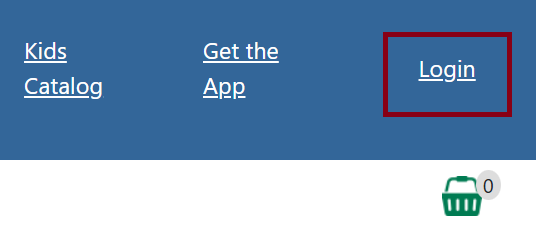
Figure 1. Login button
You can login using your library card and password. A temporary password will be created once you are registered at your library, but you can click Get Password to set up a new one. A password reset/setup email will be sent to you. If you don’t receive one, contact your library.
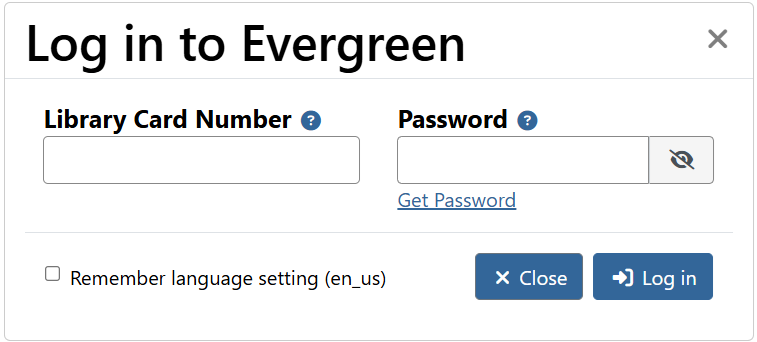
Figure 2. Login modal
| You can create a username to log into instead of your library card. To set one up, you’ll first need to log into your account with your library card, go to Preferences → Personal Information in your account dashboard. |