Staff Account User Buckets
To get a complete list of all the staff accounts associated with your library, contact the Help Desk for a shared bucket ID.
To view the user bucket, go to Circulation → User Buckets.
On the user buckets page, go to Buckets → Shared Buckets. There, you can type the ID sent to you, and your library’s staff accounts bucket will populate.
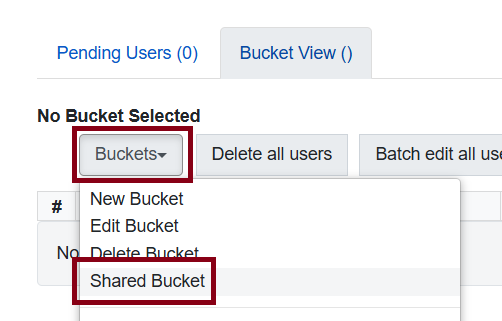
Figure 1. Shared Bucket option
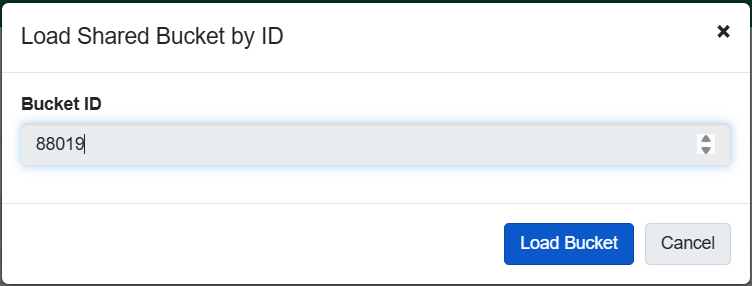
Figure 2. Type in the ID into the prompt to load the bucket