Digital Library Card
Overview
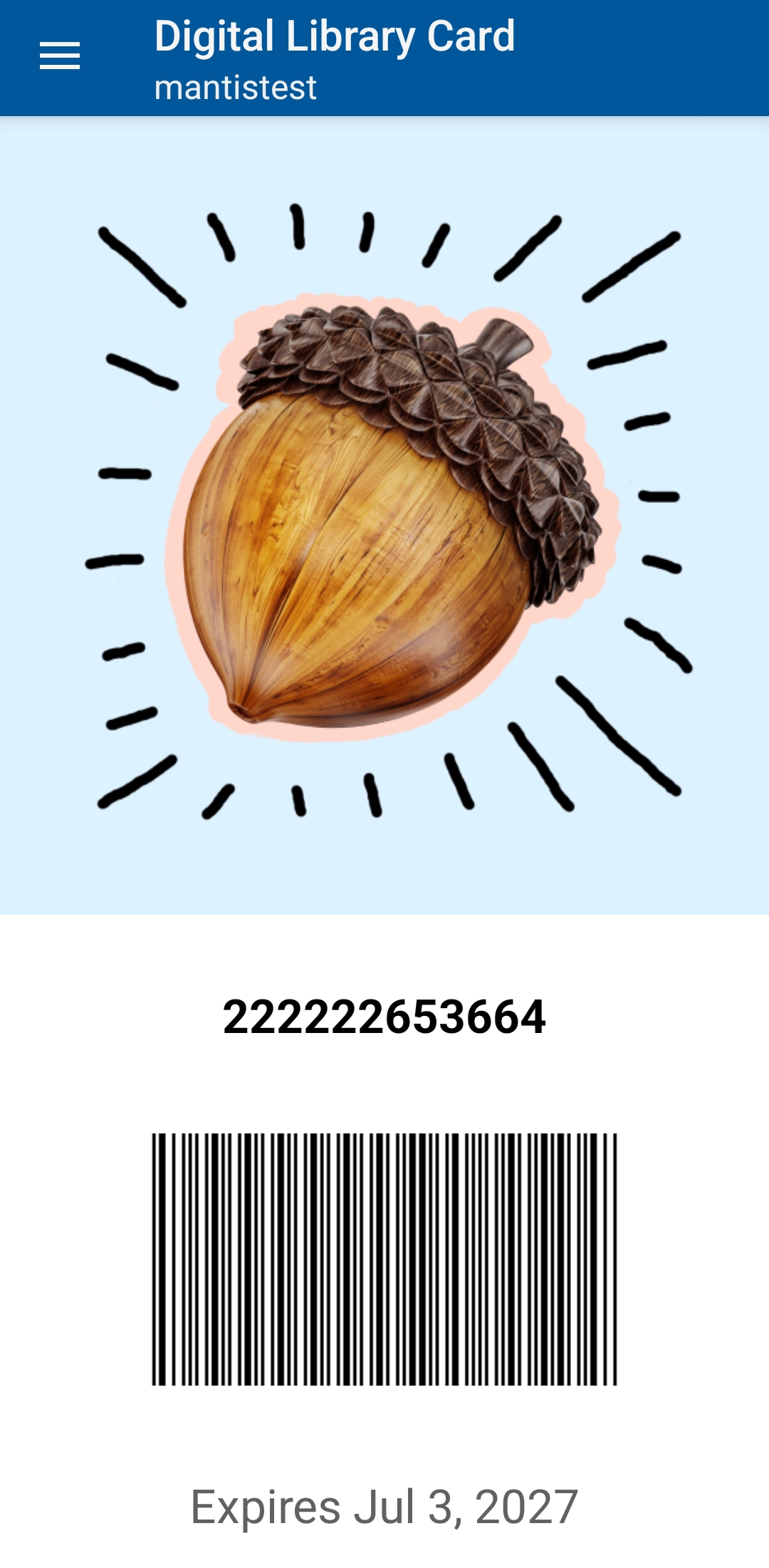
The Digital Library Card tile shows your name (if present), full barcode, and card expiry date. You can present it at a service point for scanning or tap the barcode to copy the number if the scanner will not read the screen.
Key Actions
-
Show the barcode at checkout (increase screen brightness for a cleaner read)
-
Tap the barcode to copy the number (paste into staff workstation if manual entry is needed)
-
Check the expiry date if borrowing is unexpectedly blocked
|
Screen glare, matte protectors, or privacy filters can reduce scan reliability. Tilt the device or momentarily lift the filter to improve contrast. |
|
If repeated scans fail even at full brightness, copy the number and have staff key it. Keeping a physical card (or a secure photo of the barcode) as backup can help when batteries run low. |
Best Practice
Before approaching the desk, raise brightness briefly. This reduces retry time and queue delays.