Hold Groups
This feature allows grouping patrons into a user bucket and applying holds for one or more items to every person within the bucket. This will be very useful to those libraries that prefer to have book club items on hold and circulating to patrons individually instead of one singular book club account.
Hold Groups on Staff Side
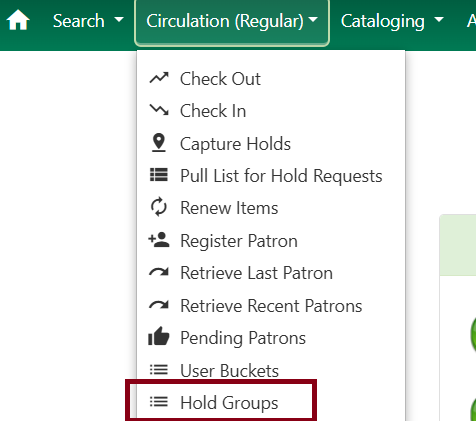
Hold group management is found under Circulation → Hold Groups.
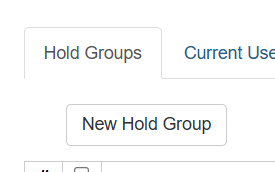
Click on New Hold Group.
Fill out the form as needed.
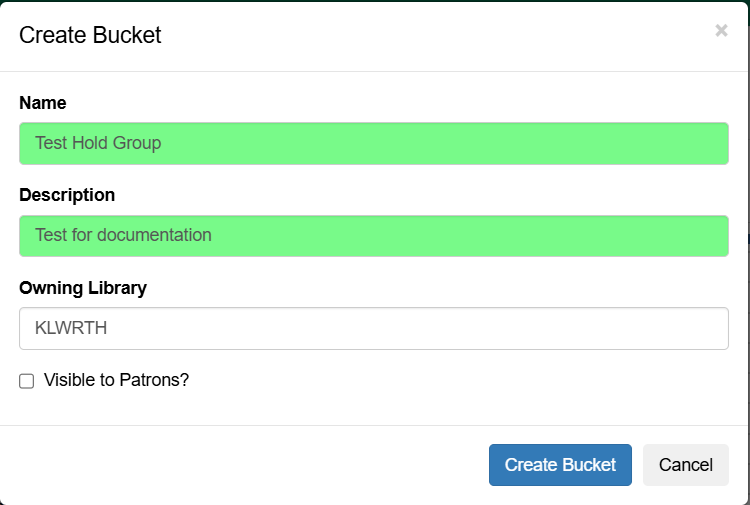
| Visible to Patrons will let the patron see which hold group they are in under their account in the OPAC. Checking off this option also allows patrons to remove themselves from a hold group. Uncheck if you don’t want this available in the OPAC. |
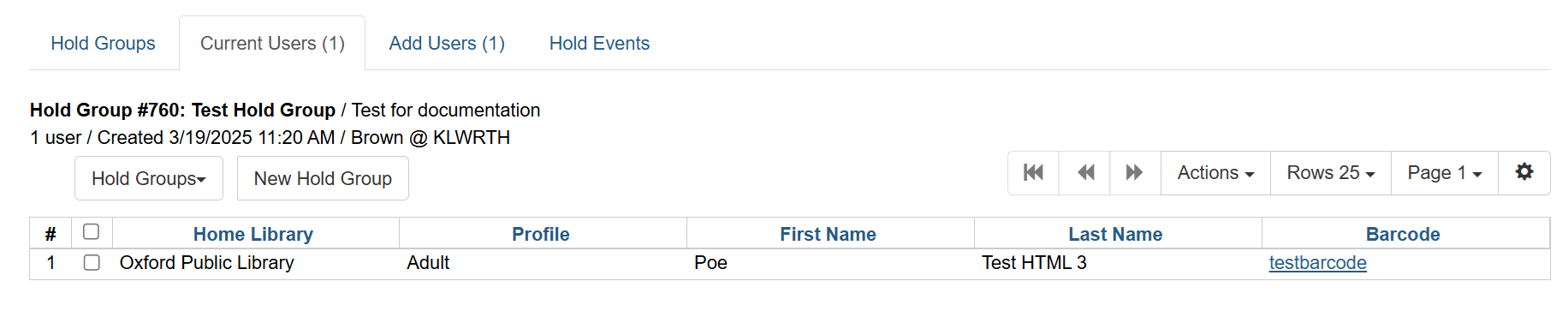
Double-click on the group in the list you wish to add or edit users in. Once a group is selected, the screen will bump you to Current Users and will display text underneath with the group information.
Click on the Add Users tab.
Click on the Add Users tab. Fill in the barcode field and press enter to populate the list or use Search for patron.
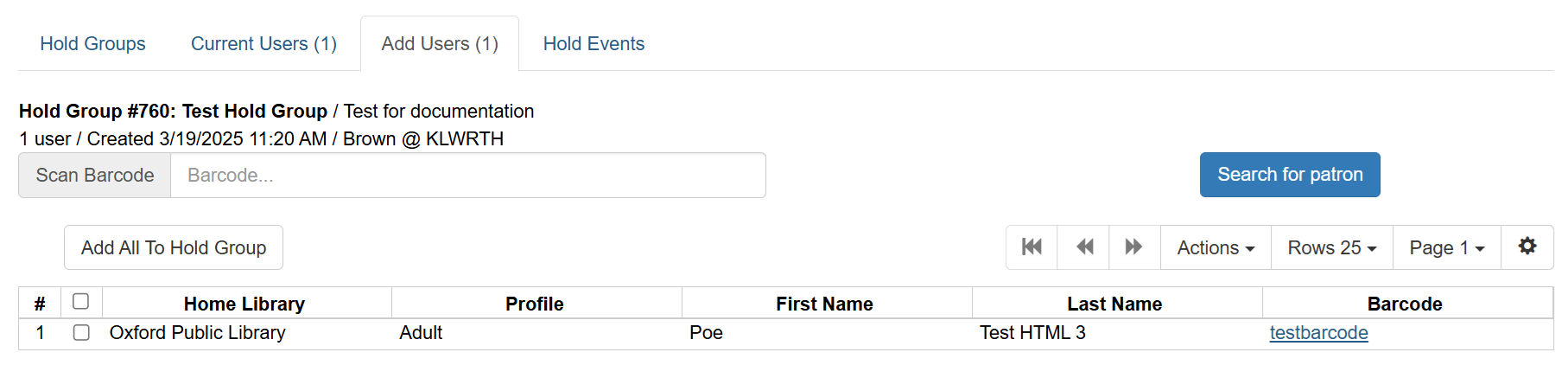
When all your users are added to the list, click Add All to Hold Group.
Click on Current Users if you want to see the list in your hold group. Select users and click on Actions to edit the list.
Click on Hold Events to add an item. Provide the record number of the bib record and the list will populate. When a record is added to this list, it will automatically place holds on any items attached to the said record, and when an item eligible for the hold is checked in, it will automatically transit to your library and fulfill any of the users’ hold in the list.
| Keep in mind that not all holds will go through pending the hold rules of other libraries. For example, a record that has many items in the newbook circ modifier may not warrant many holds because some libraries prefer that they are not holdable outside of their library. This is best used for older items that won’t be met with restrictions. |
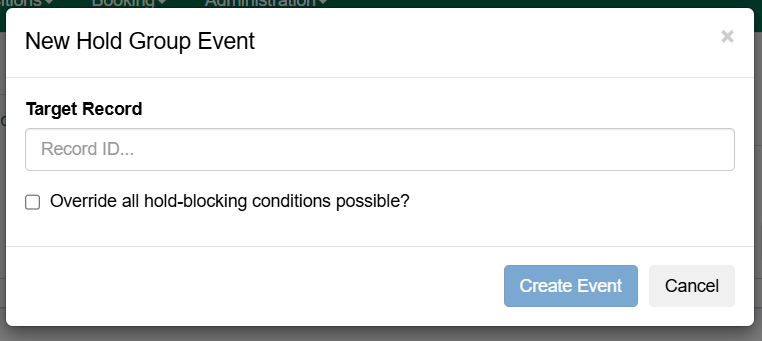
| It is not advised to check off Override all hold-blocking conditions possible? unless you want to override blocks on patrons’ accounts. |