Search for Patron Record
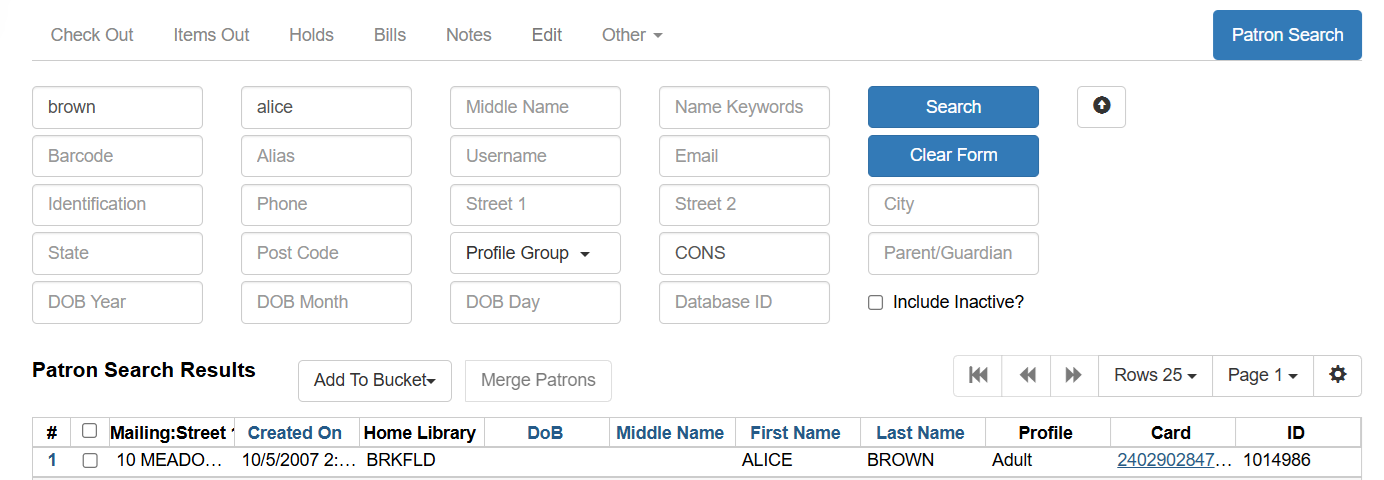
To search for a patron, select Search → Search for Patrons from the menu bar.
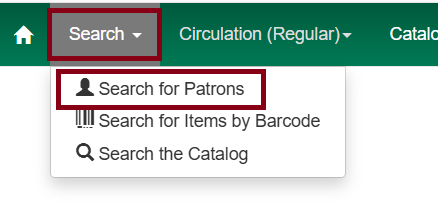
The Patron Search screen will display. By default, it contains options to search the following fields:
-
Last Name
-
First Name
-
Middle Name
-
Name Keywords
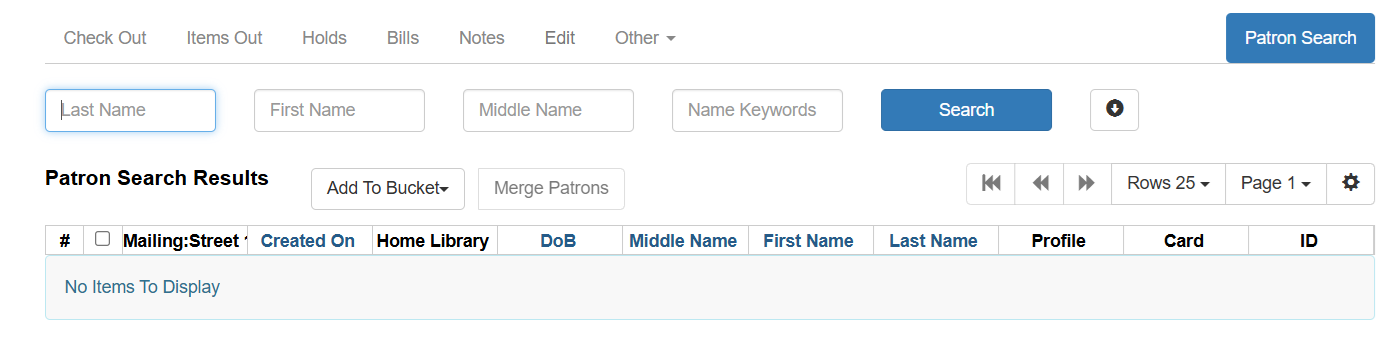
Next to the Search button there is a button with an arrow pointing down that will expand.
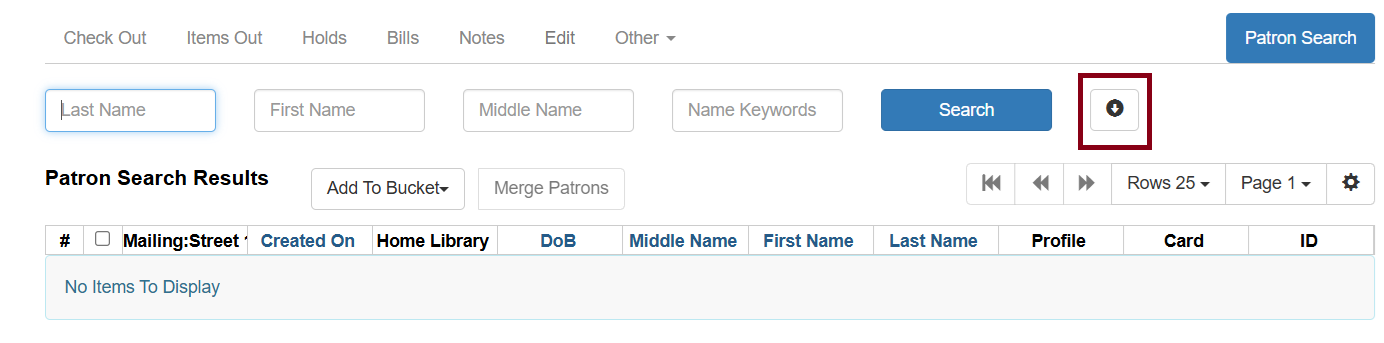
This will display the following additional search fields:
-
Barcode
-
Alias
-
Username
-
Email
-
Identification
-
Phone
-
Street 1
-
Street 2
-
City
-
State
-
Postal Code
-
Profile Group
-
Home Library
-
Parent/Guardian
-
DOB (date of birth) year
-
DOB month
-
DOB day
-
Database ID (office use only)
-
Include Inactive?
-
To include patrons marked inactive, click on the Include Inactive? checkbox.
Searching Tips
Search one field, or combine fields for more precise results, such as address, phone number, email address.
Truncate search terms for more search results (e.g. ‘Kath’ will return ‘Kathleen,’ ‘Katharine,’ ‘Kathy,’ ‘Kathryn,’ etc.)
Search ignores punctuation such as diacritics, apostrophes, hyphens and commas
Searching by Date of Birth: Year searches are ‘contains’ searches. For example, year ‘15’ matches 2015, 1915, 1599, etc. For exact matches, use the full 4-digit year. Day and month values are exact matches, e.g. month ‘1’ (or ‘01’) matches January, ‘as’ 12 matches December.
Once you have located the desired patron, click on the entry row for the patron in the results screen. A summary for this patron will display on the left hand side of the screen.
The Patron Search button on the upper right may be used to resume searching for patrons.