Optional Feature Tiles
Overview
You can add up to three extra tiles: Events, eBooks & Digital, Museum Passes. Each opens a web page (usually on your library site). Configuration only—no app update required.
Available Optional Tiles
Icon |
Tile |
Intended Use |
Target URL Examples |
|
Events |
Library program calendar |
Library CMS events page, LibCal public calendar, shared consortium calendar. |
|
eBooks & Digital |
Unified landing page for digital collections |
Page listing OverDrive/Libby, Hoopla, Kanopy, etc. |
|
Museum Passes |
Local passes booking info |
Museum/park pass reservation instructions or booking portal. |


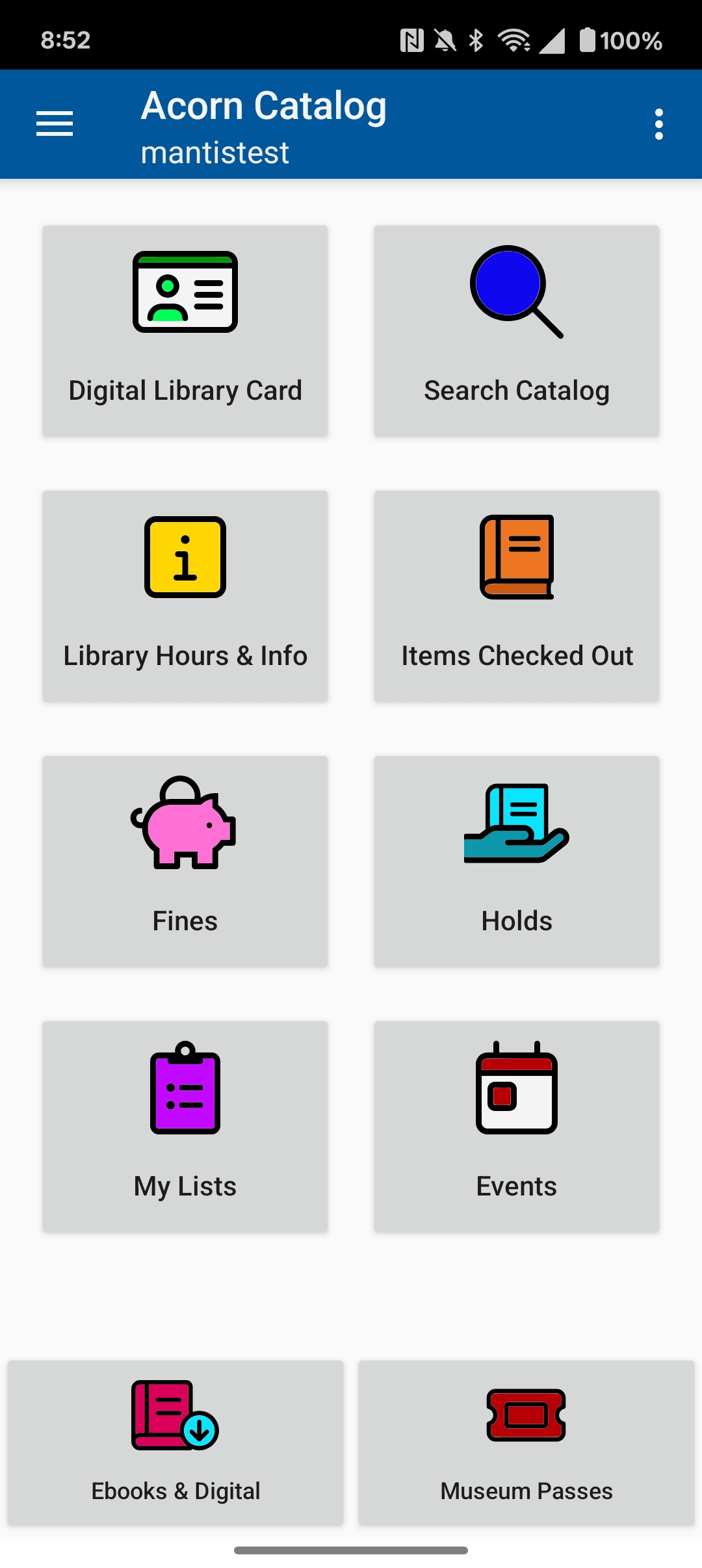
|
Tile names are fixed. Make sure target pages are mobile‑friendly and clearly branded so patrons know they’ve moved to the website. |
How to Request (Library Staff)
-
Copy the web address for each tile you want (one per tile).
-
Open each page on a phone to be sure it looks good on a small screen.
-
Open a Help Desk ticket titled: Acorn Optional Tiles. Include:
-
Library name
-
Which tile(s) to turn on (Events, eBooks & Digital, Museum Passes)
-
The matching URL(s)
-
-
We schedule the change and let you know when it’s live.
|
Optionally add tracking parameters (e.g., UTM codes) if you use web analytics. |
Good Destination Page Checklist
Good pages should: * Be mobile‑friendly (no horizontal scrolling) * Load quickly (avoid heavy scripts) * Provide a clear way back to the main library site * Display contact / help info prominently * Use a concise, descriptive heading (e.g., Reserve a Museum Pass)
Change or Remove Later
To update tiles: * New URL: open a ticket; state “replace URL” or “remove tile” * Seasonal content: include desired start and end dates * Broken / compromised page: submit ticket marked URGENT to disable quickly
Limits
-
Tiles are global (no per‑branch customization yet)
-
Requires internet (opens external pages)
-
No automatic login pass‑through (patrons may need to log in again)
Example Destination Pages (Oliver Wolcott Library)
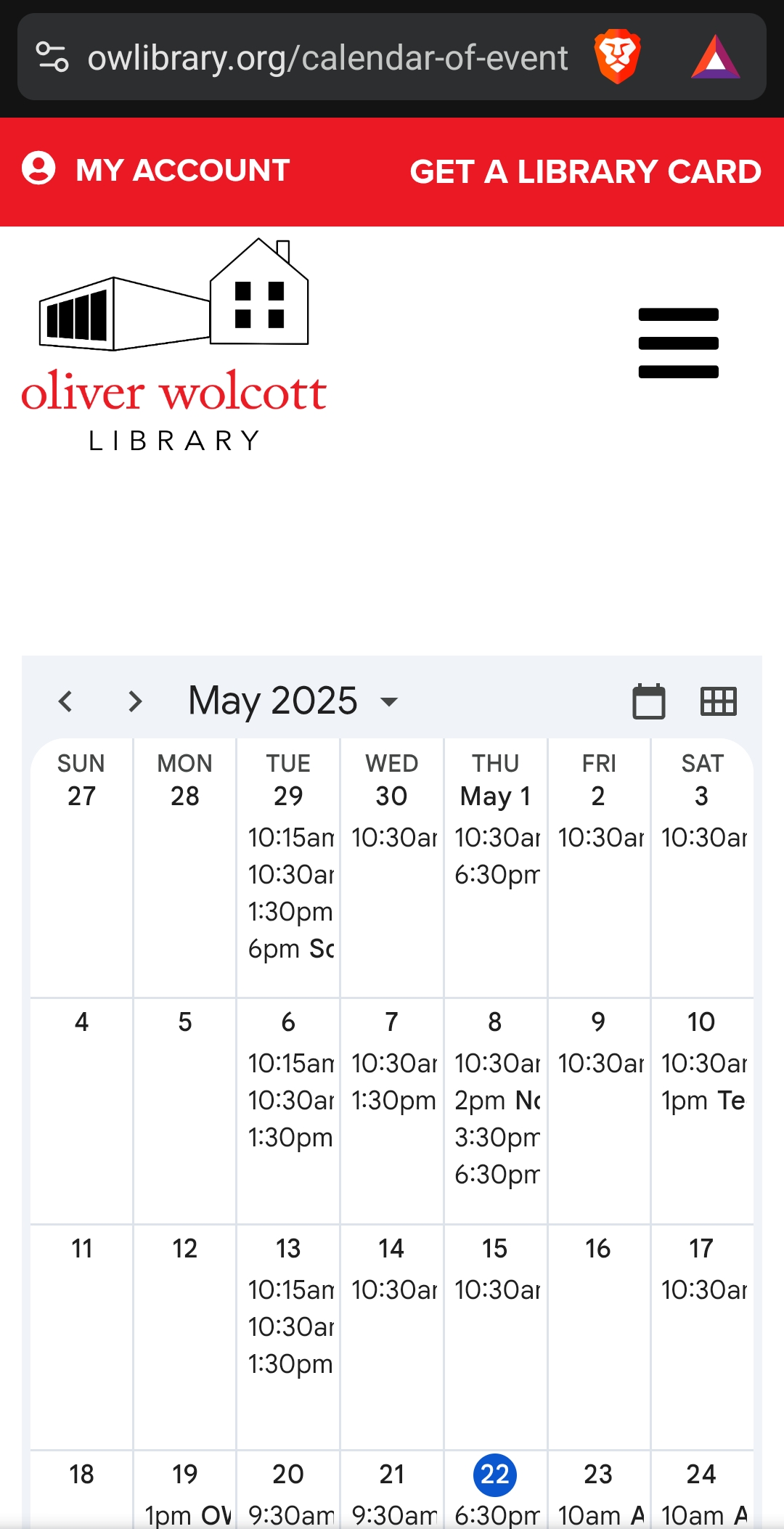
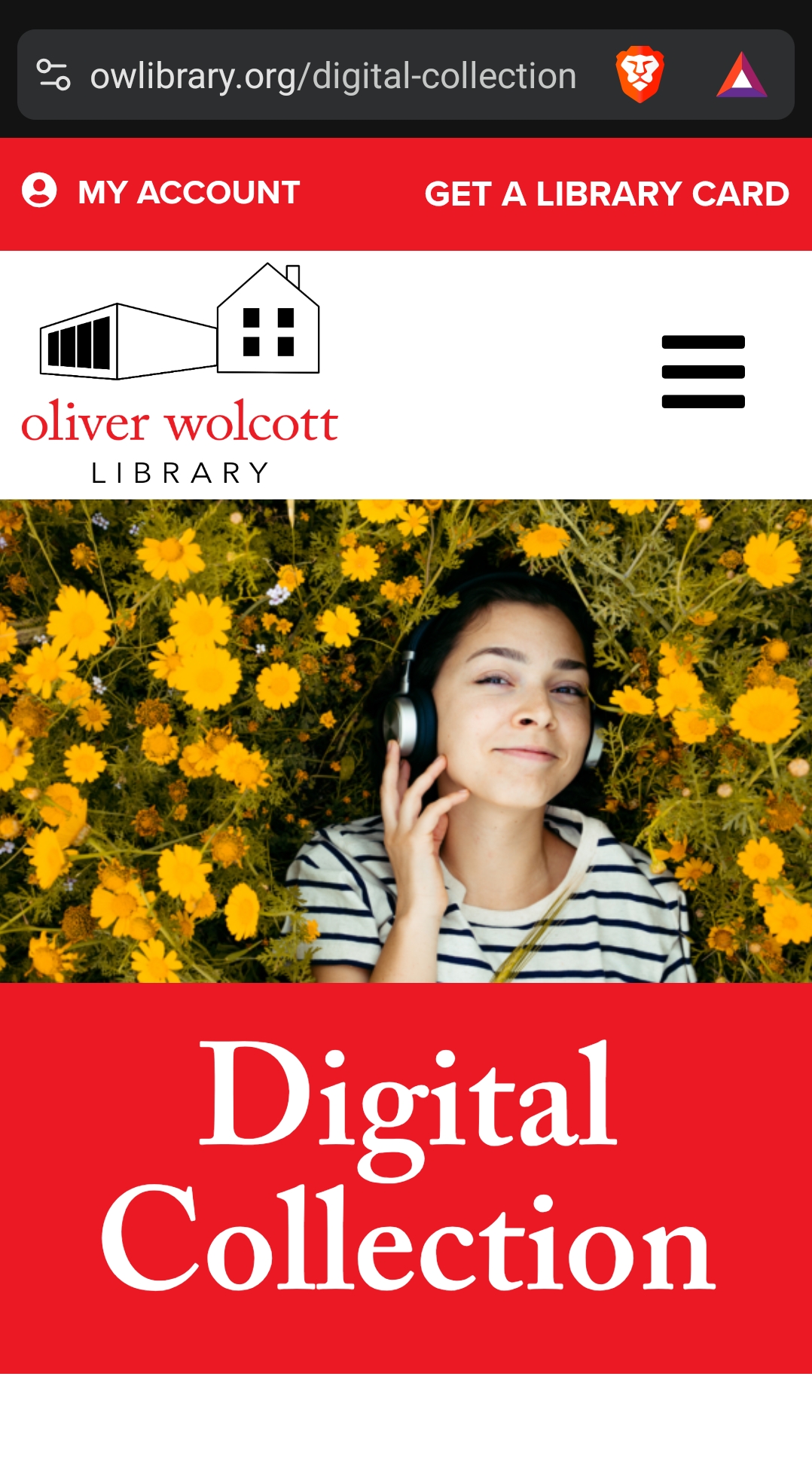
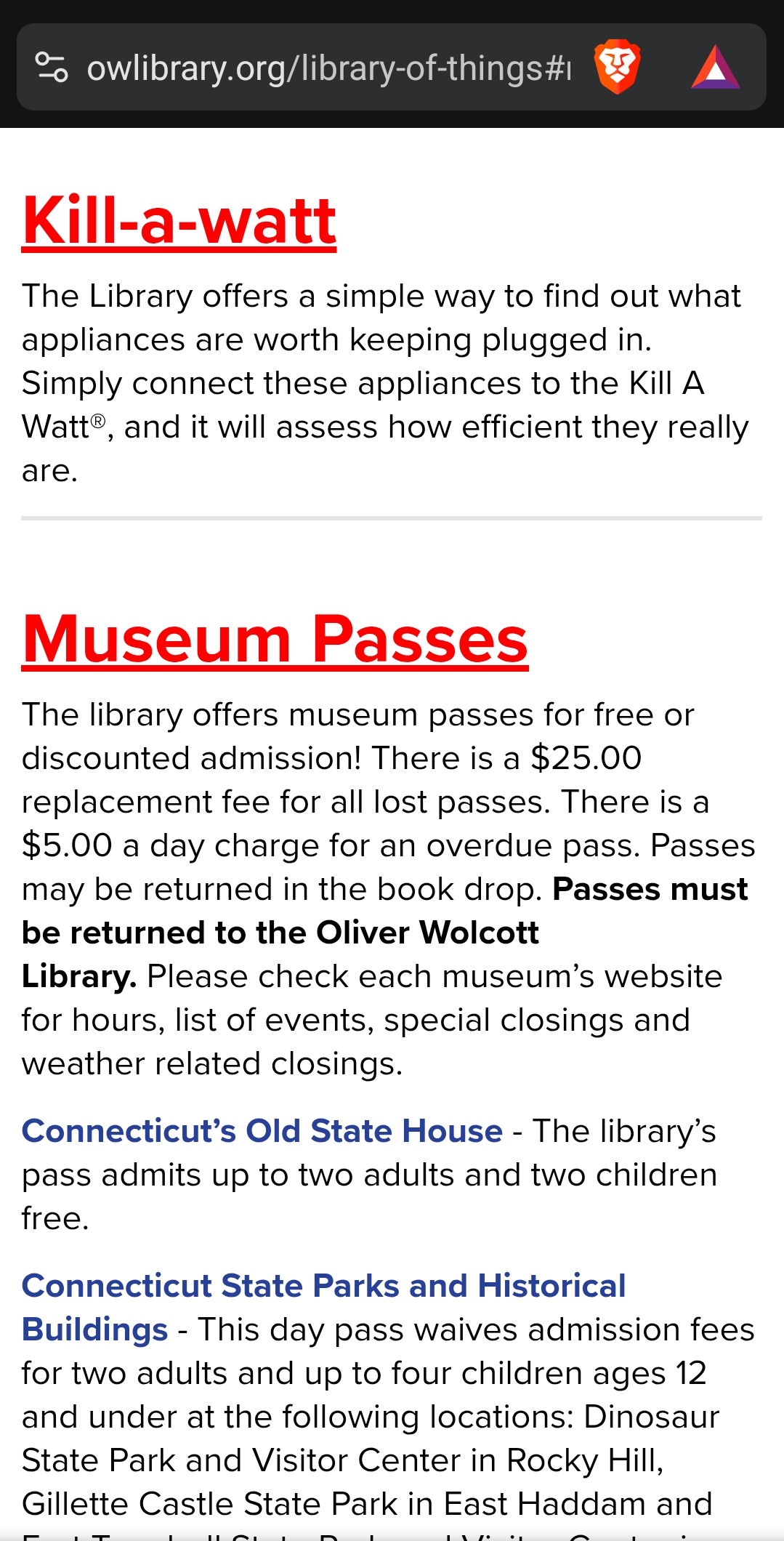
Real-world mobile views of pages linked via optional tiles.
Tile |
Screenshot |
Good Traits Highlighted |
Events |
|
Readable calendar grid; fast load; clear navigation. |
eBooks & Digital |
|
Branded header; concise heading; scannable hero area. |
Museum Passes |
|
Clear policy text; bold key requirements; list formatting. |
|
Use screenshots like these during review to confirm pages meet the checklist (speed, readability, branding, way back home) before submitting a ticket. |