My Holds
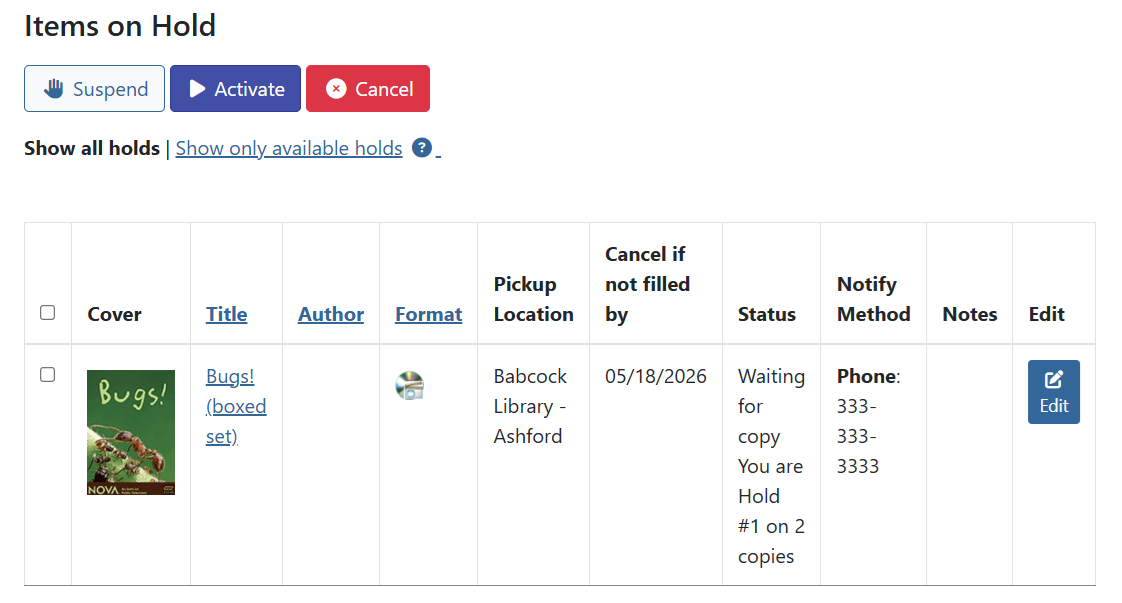
The items on hold section of My Account shows you which items you currently have on hold, holds that are available for pickup, and the overall status of the holds.
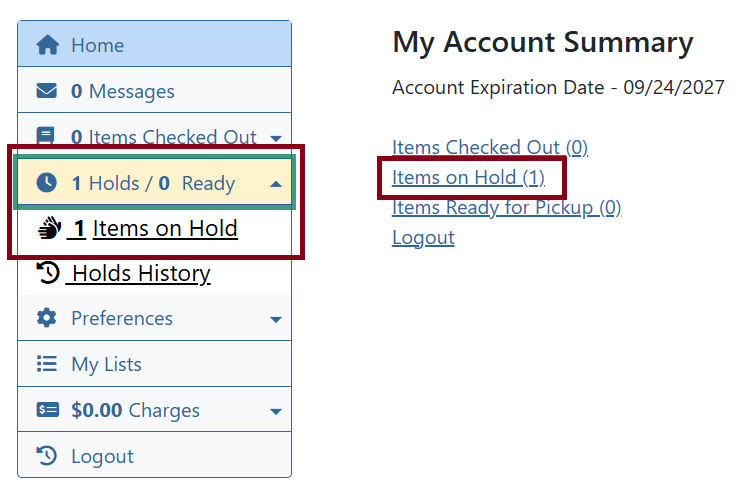
Go to Holds/Ready and Items on Hold. If you’re in the home page, you can also click the Items on Hold link.
Edit Notification Options
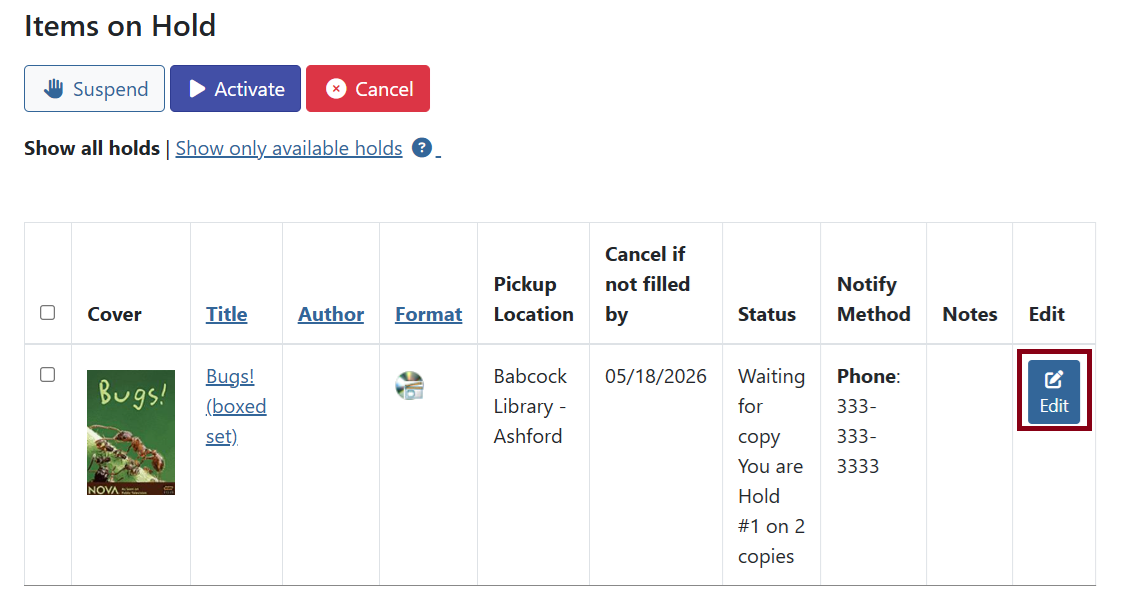
Even after a hold is placed, you can edit means of notifying you when it arrives. Click on Edit next to the hold.
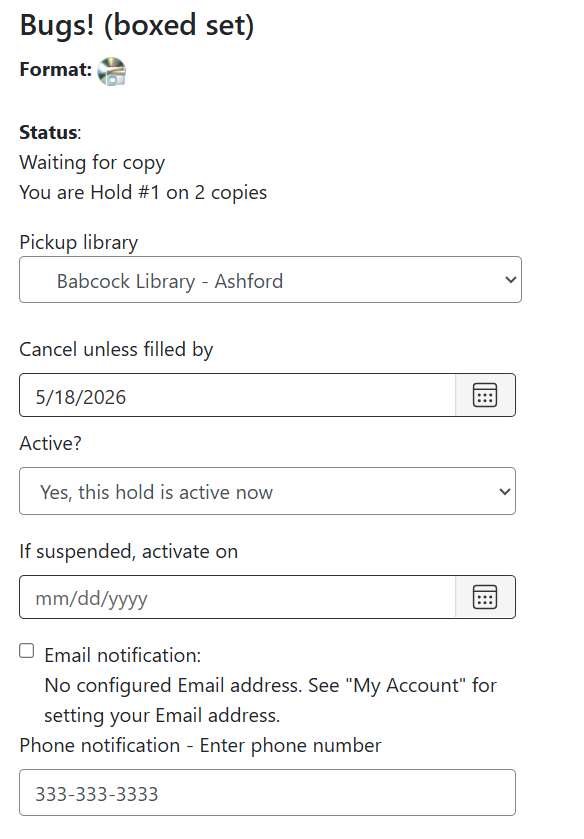
Here you can:
-
Change your pickup library
-
Set a date to automatically cancel the hold if it’s not fulfilled then
-
Set a hold to be active or suspended
-
Set a date to activiate the hold if it’s already suspended
-
Change your methods of notifications (i.e.: email, phone, text)
| You can’t edit the email address for the notification to send to here. That will need to be adjusted in your account perferences. |
| If a hold is in transit and you decide to change the pickup library, the item will still send to the original location before rerouting to the new pickup location. |
Suspending/Activating Holds
Sometimes you may want to suspend a hold so a copy doesn’t fulfill the request until after a certain date. You can suspend the hold and adjust dates accordingly by editing the hold or you can use the quick options towards the top.
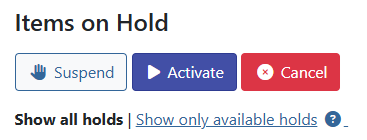
Check off the holds you wish to suspend or activiate, then click the corresponding button. Clicking suspend will change the status of the item.
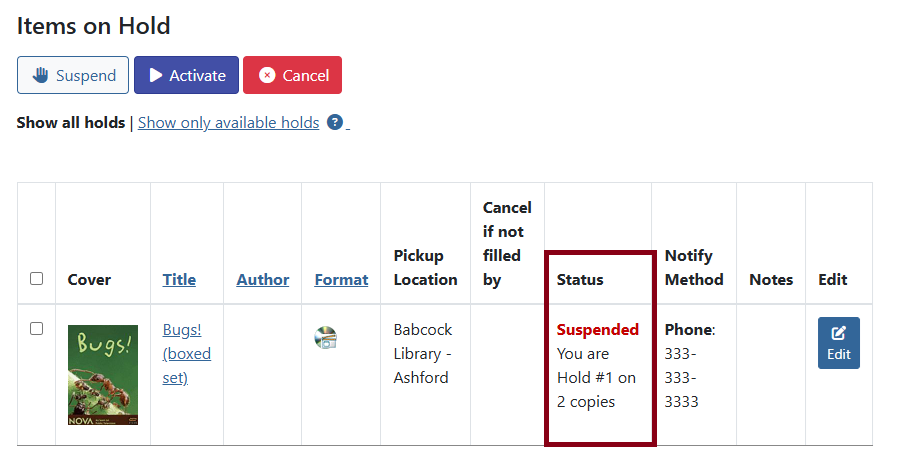
| Suspending holds with this button will have the request indefinitely suspended until you manually change it to activiate. To have an automated activiate date, edit the hold instead. |
Holds History
By default every patron account will not be enrolled to save their holds history. To enable or view, go to Holds/Ready then Holds History.
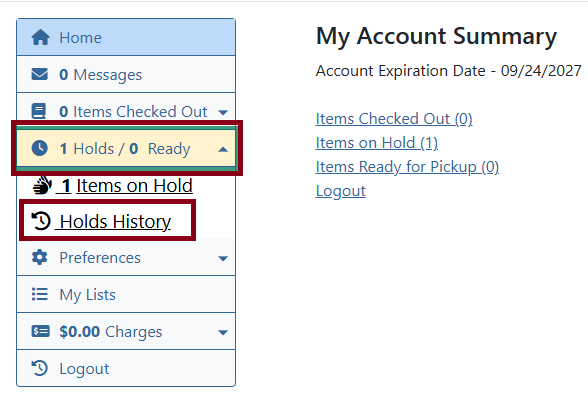
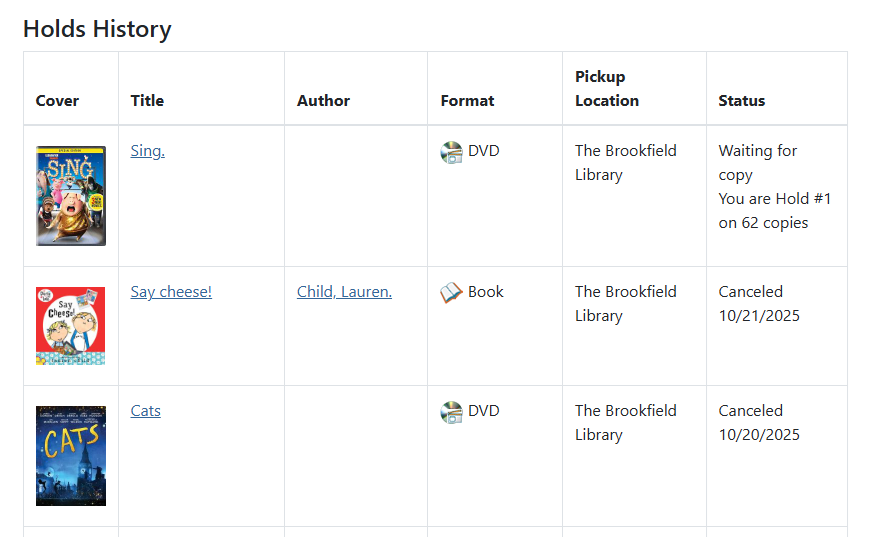
If you are enrolled, you will see a list of items that was placed on hold after your enrollment date and anything currently requested.
You can delete items from your history and download a CSV.
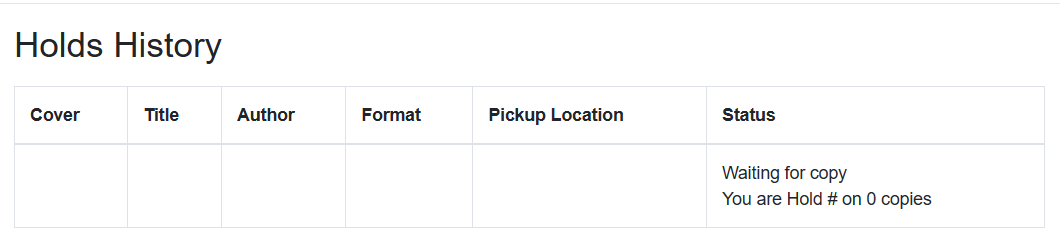
If you are not enrolled, you will see this screen.
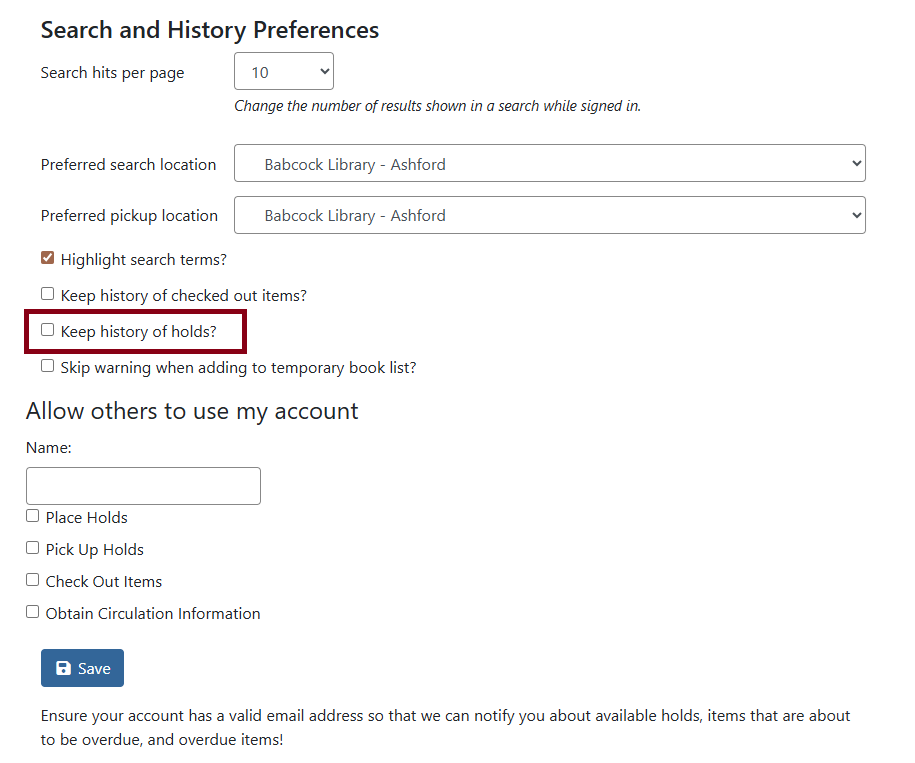
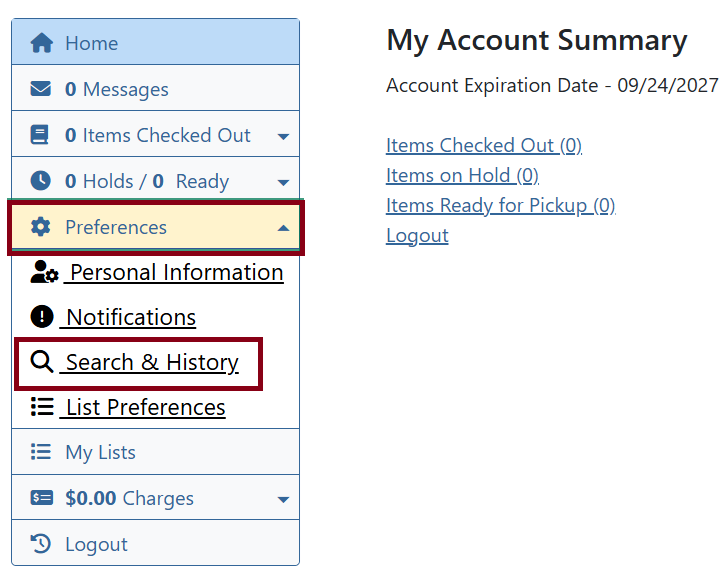
To enroll go to Preferences then Search & History.
Check off Keep history of holds? and click Save.