My Items Checked Out
Viewing the items checked out on your account, allows you to see their due dates and renew those items if applicable.
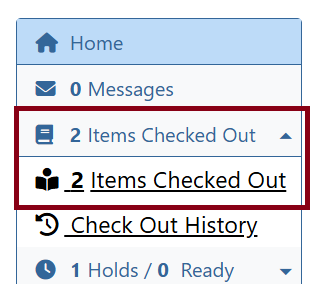
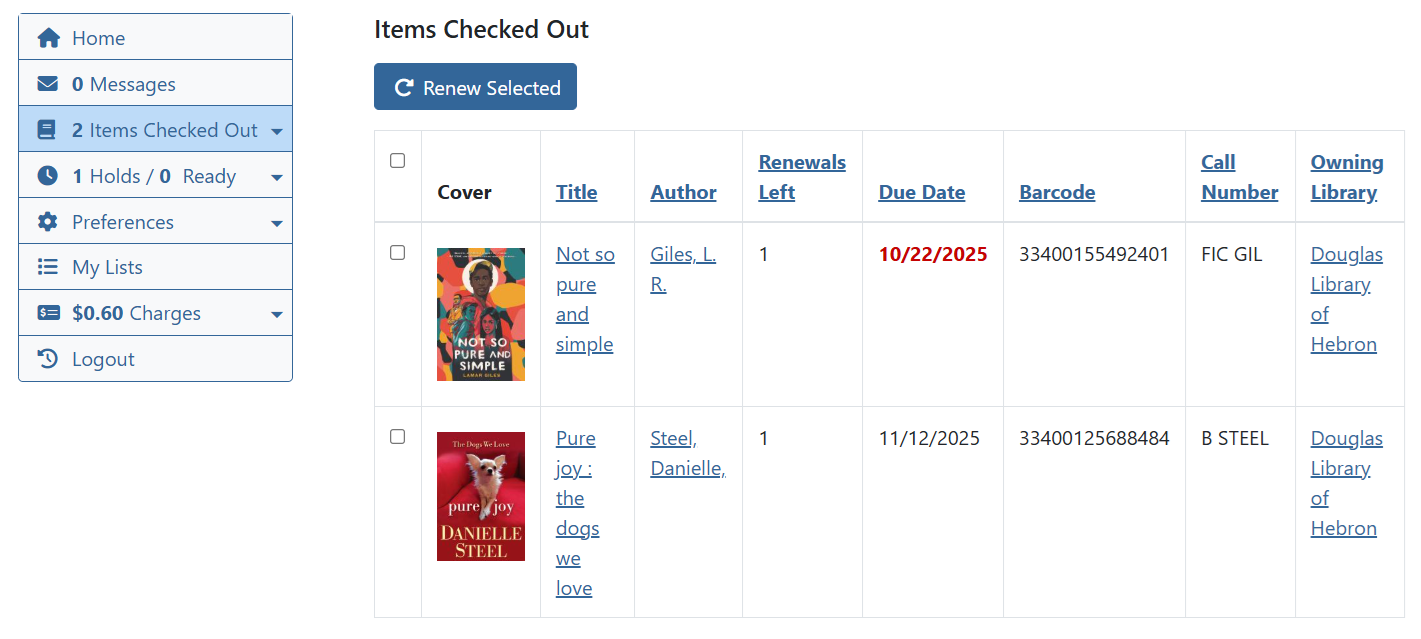
To renew items, click on the box next to the item that you would like to renew and choose Renew Selected.
This display will also show how many renewals you have remaining based on the library policy.
If an item is overdue or lost, the Due Date will be highlighted in red.
Check Out History
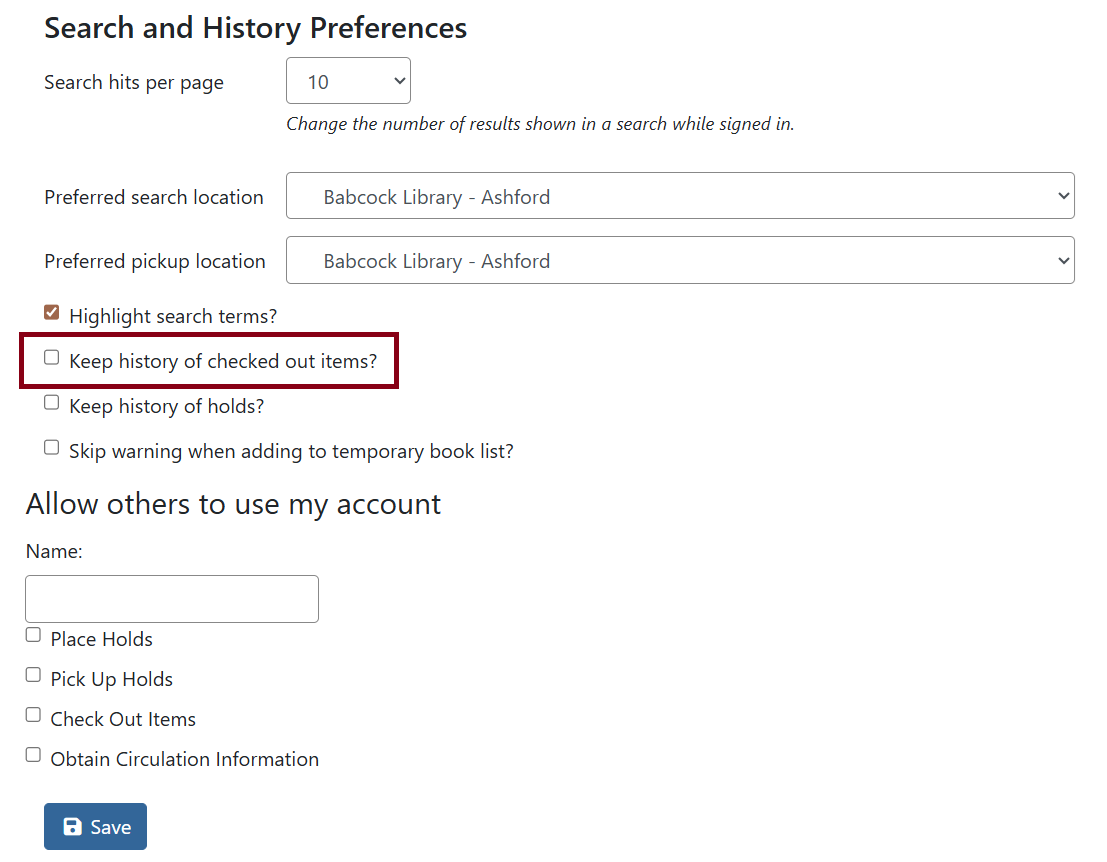
By default every patron account will not be enrolled to save their checkout history. To enable or view, go to Items Checked Out then Check Out History.
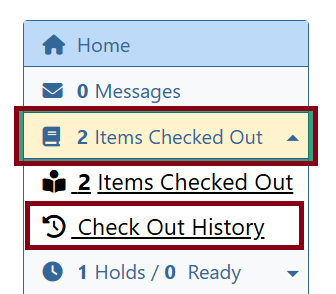
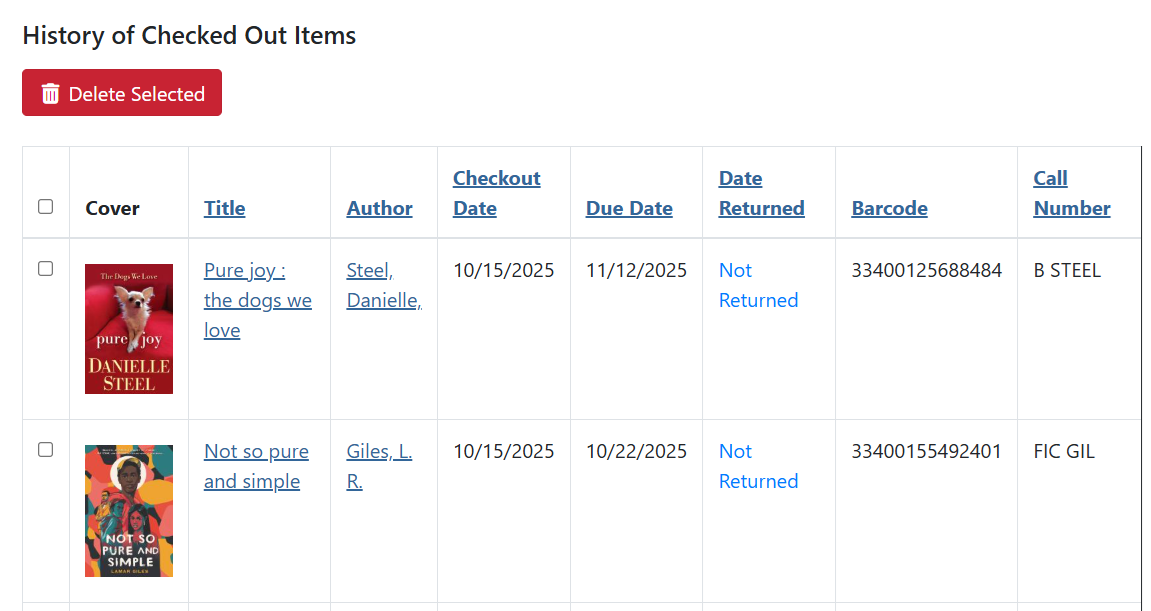
If you are enrolled, you will see a list of items that were checked out after your enrollment date and anything currently checked out.
You can delete items from your history and download a CSV.
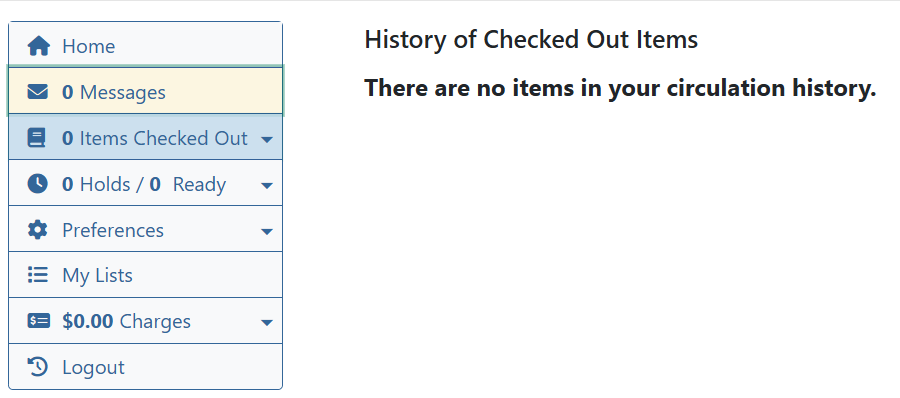
If you are not enrolled, you will see this screen.
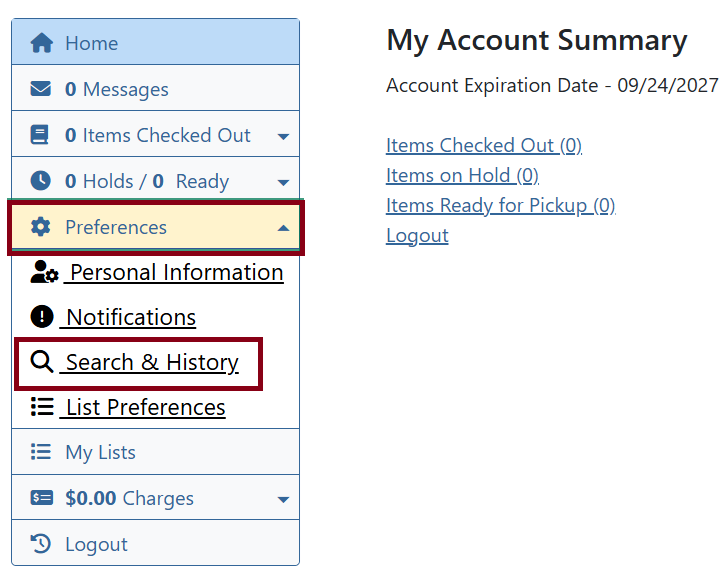
To enroll go to Preferences then Search & History.
Check off Keep history of checked out items? and click Save.