Push Notifications
Overview
Acorn sends exactly two push types:
-
Hold Ready – Item is on the pickup shelf.
-
Courtesy (Pre‑Due) – Reminder ~3 days before the current due date.
They supplement (do not replace) email / phone notices. There is no auto‑renew success or failure push—check Items Out for renewal results.
|
Push alerts cannot be re‑sent manually. While they do not display as a persistent history inside the patron-facing app (and are not shown as a list in the patron record), each dispatched push notification is retained in Evergreen’s triggered event log for staff verification/audit. This means staff can confirm that a Hold Ready or Courtesy notification was generated even after it disappears from the device. |
Notification Types
Type |
Trigger |
Deep-Link Destination |
Notes |
Hold Ready |
Hold status changes to Ready for Pickup |
Opens Holds list |
Appears shortly after status flip; respects device Do Not Disturb |
Courtesy (Pre‑Due) |
Approx. 3 days before due date |
Opens Items Out list |
Does not renew—patron must still act or rely on auto‑renew policy |
Android |
iOS |
|
|
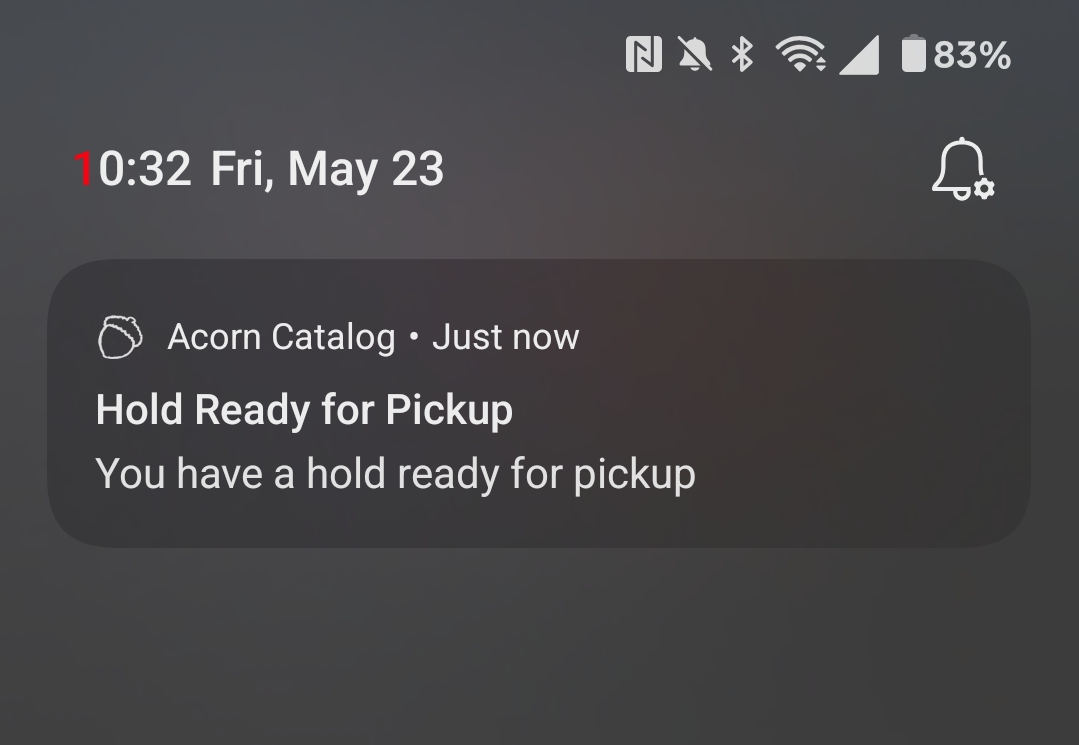
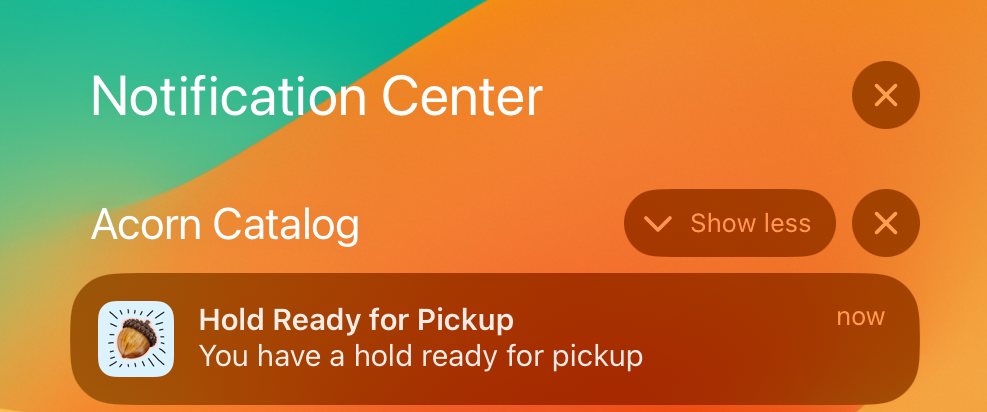
|
Courtesy push = "review or renew"; it is not confirmation that a renewal applied. Tap Items Out to verify due dates. |
Enabling Push
-
Install (or update) and open Acorn.
-
Accept the OS permission prompt (iOS & Android).
-
No in‑app toggle currently.
|
If Don’t Allow / Deny was chosen earlier, enabling must happen in device Settings; reinstalling alone may not re‑prompt on some Android variants. |
Verify Permission
Android: Settings → Apps → Acorn → Notifications (ON)
iOS: Settings → Notifications → Acorn (Allow Notifications ON)
|
If delivery stalls, toggle notifications OFF then ON and open Acorn once to refresh the device token. |
Quick Troubleshooting
Issue |
What to Check |
Action |
Gets email but no push |
OS permission off |
Enable in Settings; open app once |
Never saw a prompt |
Dismissed earlier / older install pre‑permission |
Enable manually in Settings |
Expected auto‑renew push |
Feature assumption |
Explain only Hold Ready & Courtesy exist; check Items Out for renewal success |
One loan missed courtesy |
Edge timing / item renewed earlier |
Rely on email for that case; confirm due date advanced |
Delay (minutes) |
Platform delivery lag |
Note time; escalate if repeats with pattern |
Cannot find toggle |
OEM‑skinned Android |
Search Settings for “Notifications” or “Acorn” |
Switched phones recently |
Token not refreshed |
Open app once on new device |
Privacy
Payload text is minimal; detailed account data loads only after app opens. Device tokens are anonymous and rotate if the app is reinstalled or OS clears data.
|
Reinstall only as a last resort (locally stored logins are lost). |
Key Points
-
Only two types: Hold Ready & Courtesy (no overdue, no auto‑renew confirmation)
-
Email remains the durable record
-
New device: open app once to register
-
Courtesy ≠ renewal—verify in Items Out
-
Staff can verify dispatched push events in Evergreen’s triggered event log