Browse the Catalog
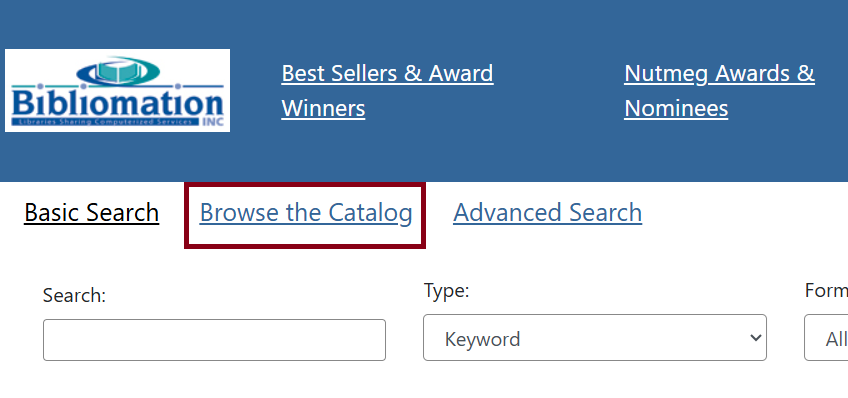
Clicking on Browse the Catalog allows you to browse by title, author, series, and subject.
Below is an example of a browsing search for “cookbook” as a subject.

The subject that most closely matches your search term will appear in the middle of the list and will appear in bold. Other subjects will be listed before and after the search term will be listed before and after the term in alphabetical order.
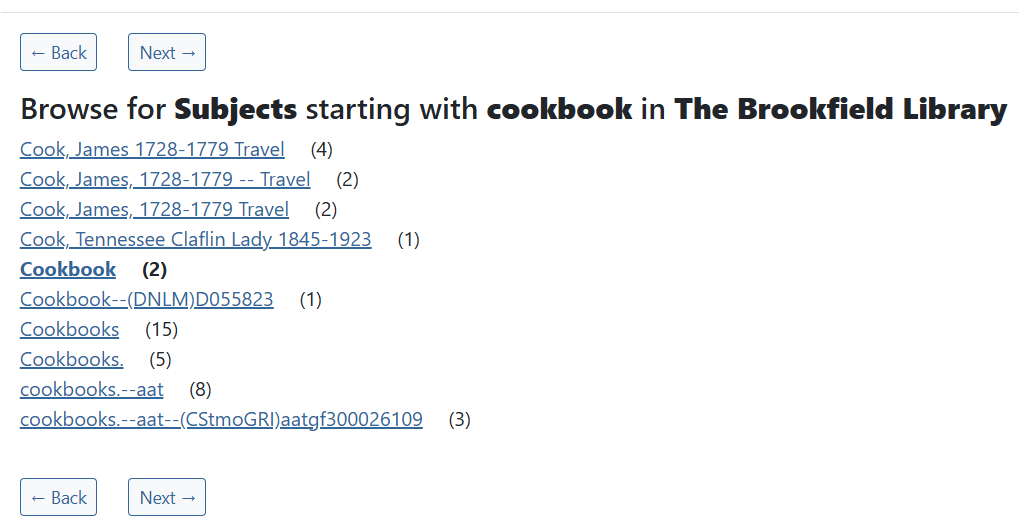
You can browse through the list of subjects by clicking the Next and Back buttons. The number in parenthesis after each line shows how many items were found for that particular subject. When you see the words “At least”, this means there may actually be more than that amount.
Clicking on any item in the list brings you either to a single item (if the number after the listed item is 1) or to a longer list of search returns.